Basic Authentication
Learn how to authenticate your API requests using Basic Auth.
Overview
Paymid uses Basic Authentication for all API requests. You need to provide your App Key and Secret Key in the Authorization header.
Credentials
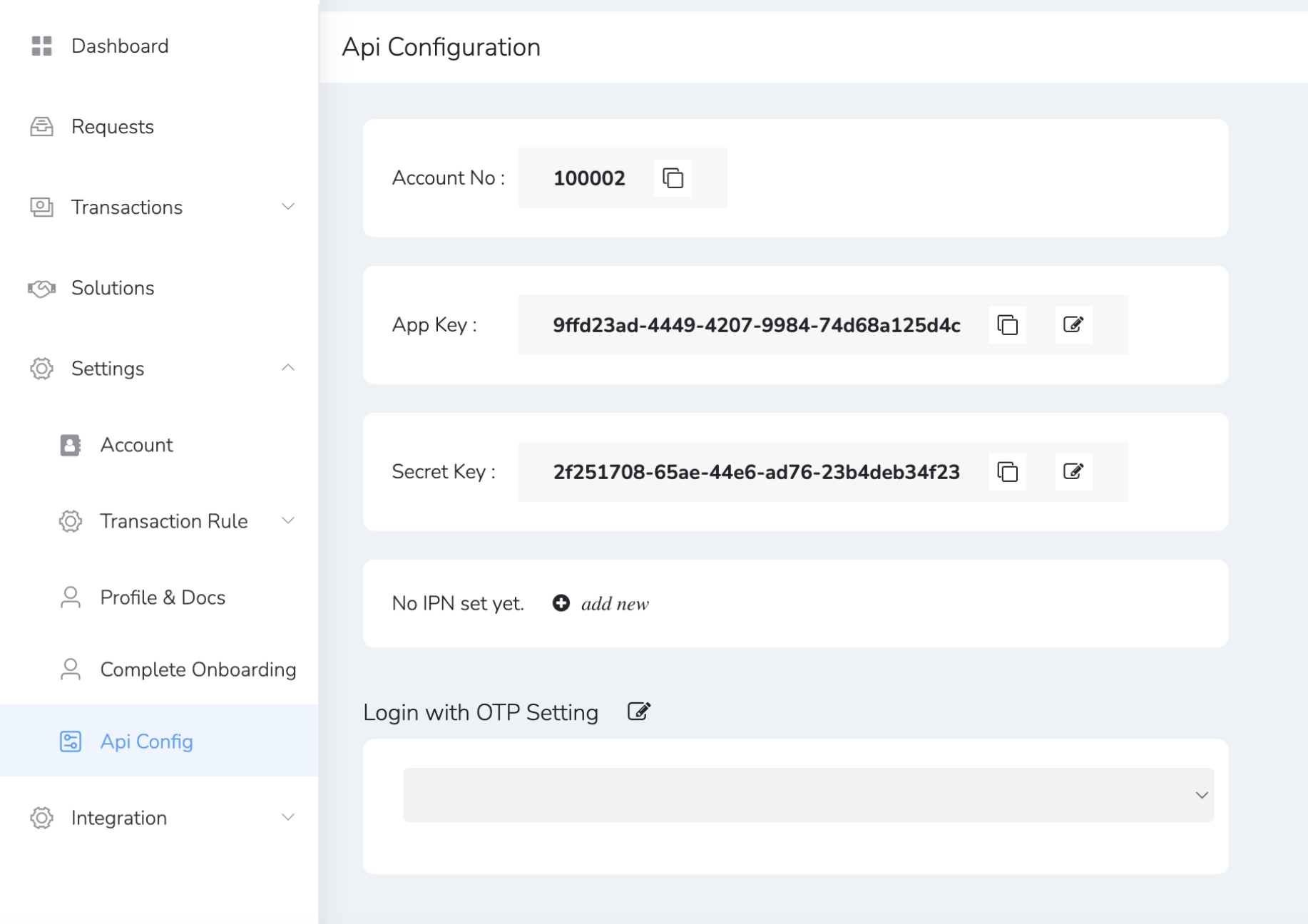
You can find your API credentials in the Merchant Dashboard:
- Go to Settings
- Select API Config
- Use the App Key as your
username - Use the Secret Key as your
password
Header Format
Authorization: Basic <base64(AppKey:SecretKey)>
Example Screenshot